Fenix+ 3 Update v3.7.0
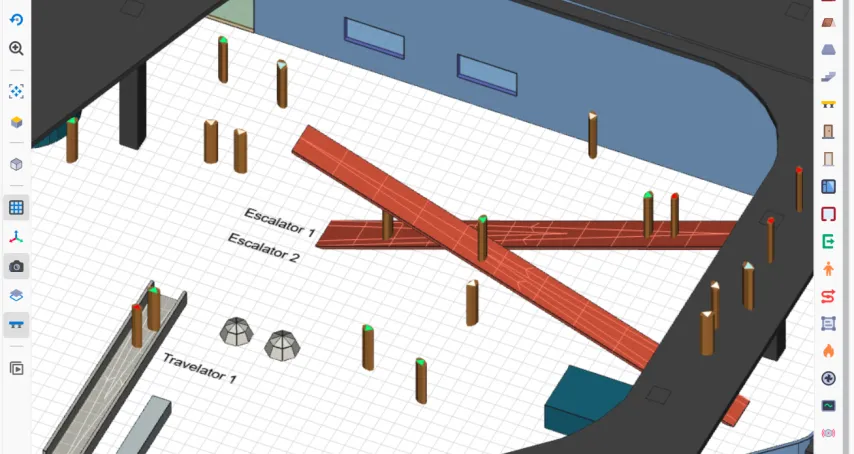
For this update we’ve added new objects that would help model underground structures, public or transport hubs. Escalators are a staple of modern shopping centers, and a core element of metros. Similarly, moving walkways (Travelators in Fenix+) could see good use in airports.
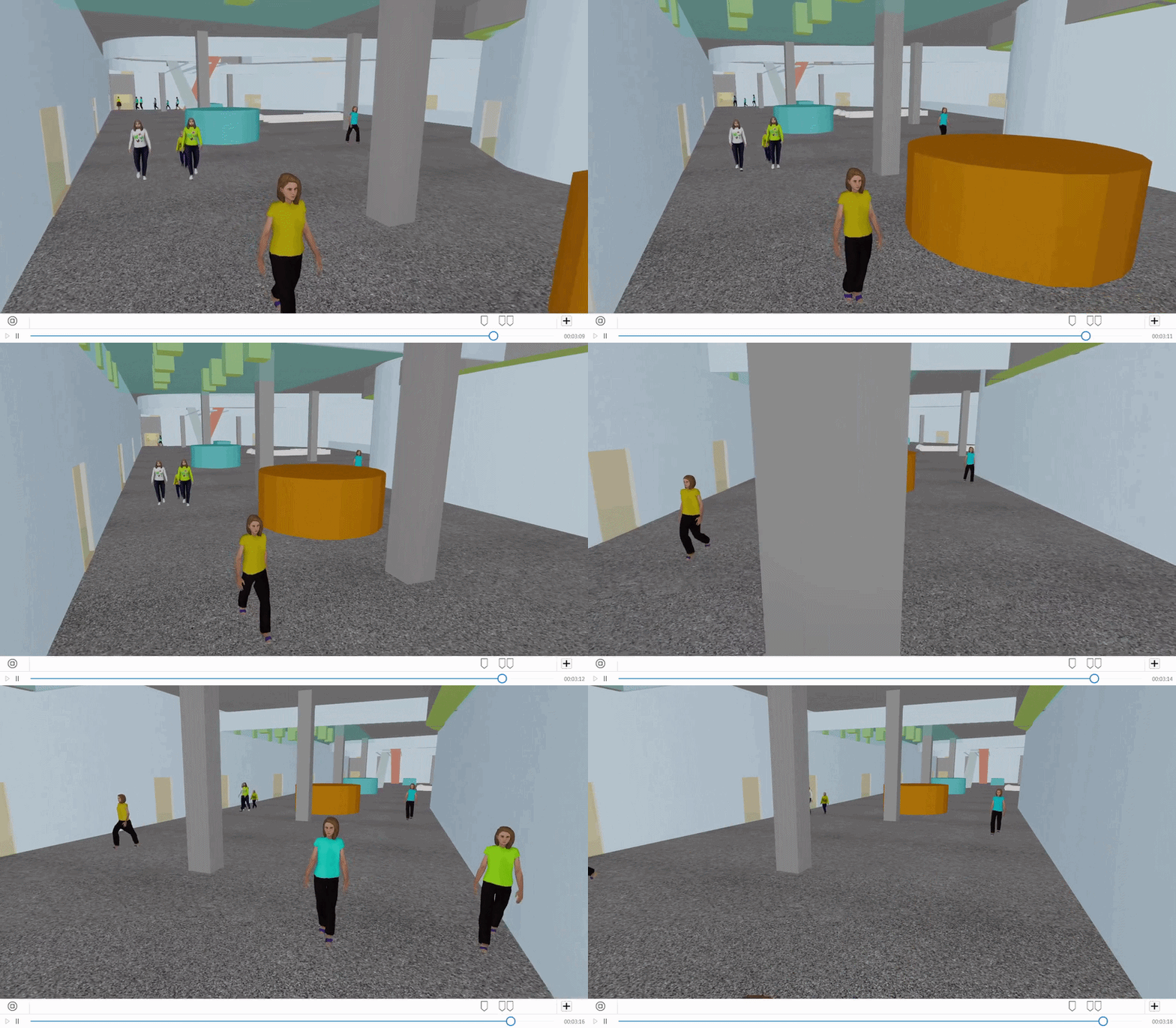
We’ve also expanded on our 3D-view tool, which now lets you record an evacuation from a directed set of angles.
Escalators and travelators
New types of stair flights have been added to the Stairway instrument, Escalators and Travelators. Both these types have a state property — they can move up, down, or be turned off.
Escalators and travelators affect evacuation speed with a set of characteristic properties. You can edit the speed of a moving belt itself, change how fast people move compared to moving through a normal set of stairs (Speed Modifier parameter). And, by design, the moving types of stairways increase or decrease the speed of evacuating occupants, depending on the direction they're going.
By default — people will always stand still on the moving Escalators or Travelators. To let the occupants walk on moving Escalators or Travelators, check the Walk on moving Escalators and Travelators option for a chosen profile in the References \ People profiles editor.
Recording for a 3D (VR) view
After you process your evacuation simulation, open the 3D tool in the Visualization panel and click the  button in the top menu. This will turn on the recording mode, letting you see the preview or record as a file straight away with the
  and
and  buttons, respectively.
Put special markers
buttons, respectively.
Put special markers  on the panel above the timeline with the left click, set your camera angle and click the checkmark button
  . A marker will save your current camera position. While on playback, the camera will automatically go through these angles itself, slowly moving from one view into another.